Basics#
The following examples show how to create a world, add robots and objects, read sensors, and perform actions.
E-Puck#
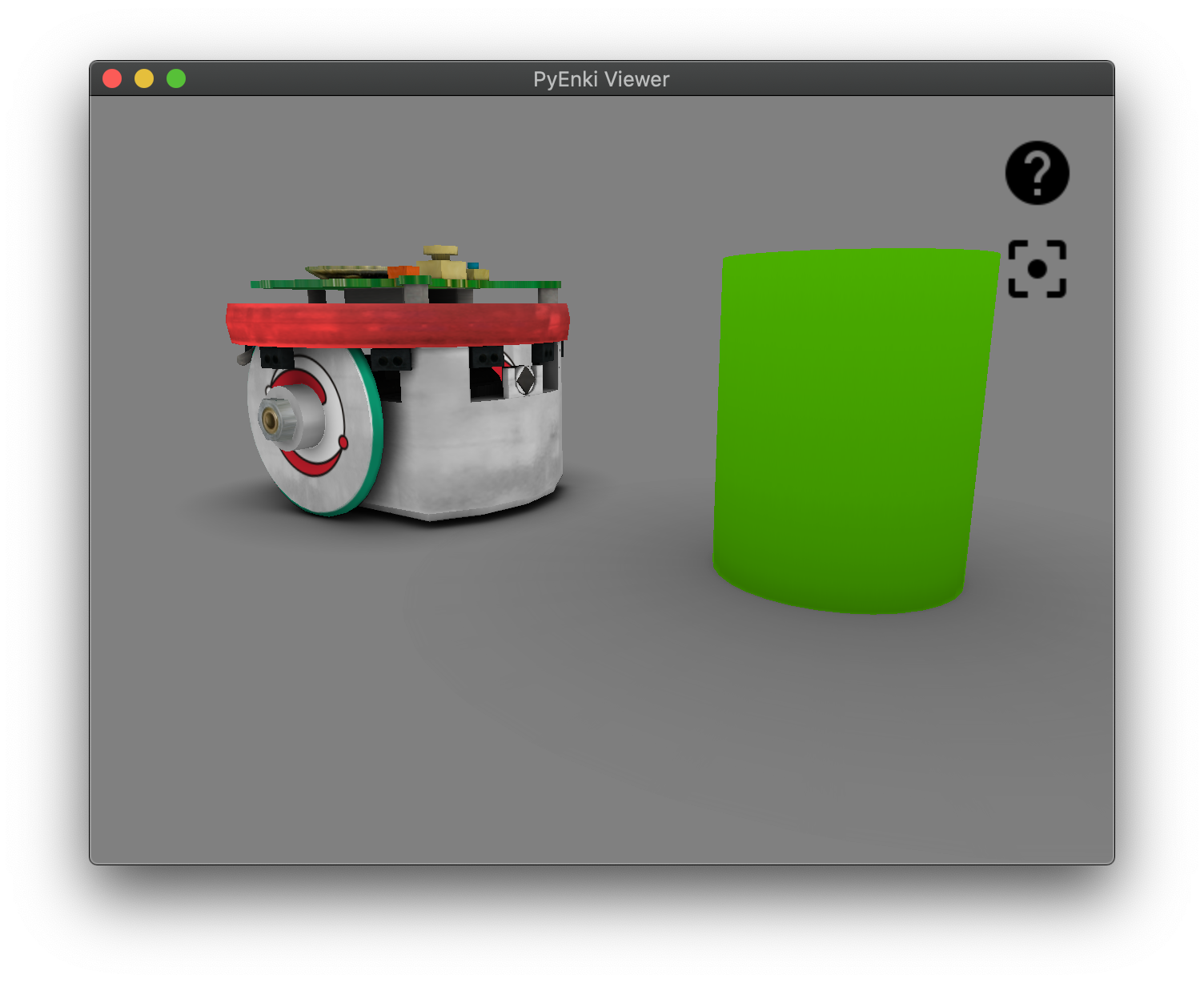
>>> import pyenki
>>> world = pyenki.World()
>>> epuck = pyenki.EPuck(camera=True)
>>> world.add_object(epuck)
>>> epuck.position = (-8, 0)
>>> epuck.set_led_ring(True)
>>> obj = pyenki.PhysicalObject(
        radius=2.0,
        height=5.0,
        mass=-1,
        color=pyenki.Color(0.3, 0.7, 0))
>>> world.add_object(obj)
>>> world.step(0.1)
>>> epuck.prox_values
array([280.54394485,  15.94560553,  ...
>>> epuck.camera_image
array([[0.5, 0.5, 0.5, 1. ], ...
Marxbot#
>>> import pyenki
>>> # create a world surrounded by a cylindrical wall.
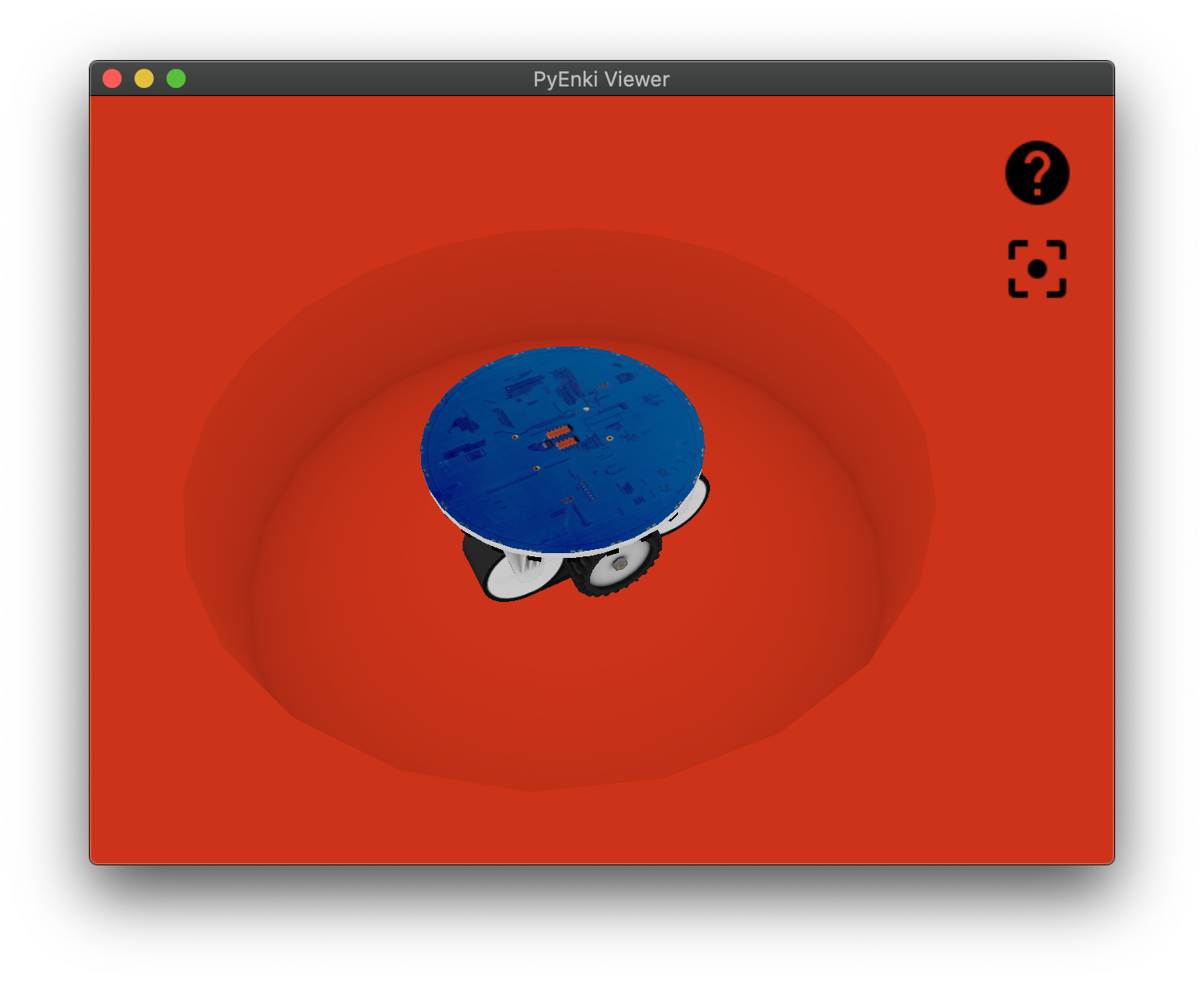
>>> world = pyenki.World(radius=20,
          walls_color=pyenki.Color(0.4, 0.1, 0.1))
>>> marxbot = pyenki.Marxbot()
>>> world.add_object(marxbot)
>>> # Spin the robot on itself
>>> marxbot.left_wheel_target_speed = 5
>>> marxbot.right_wheel_target_speed = -5
>>> world.step(0.1)
>>> # Read the omnidirectional RGB-D camera
>>> # distances
>>> marxbot.scanner_distances
array([20.        , 19.82487928, ...
>>> # image
>>> marxbot.scanner_image
array([[0.4, 0.1, 0.1, 1. ], ...
Thymio#
>>> import pyenki
>>> world = pyenki.World()
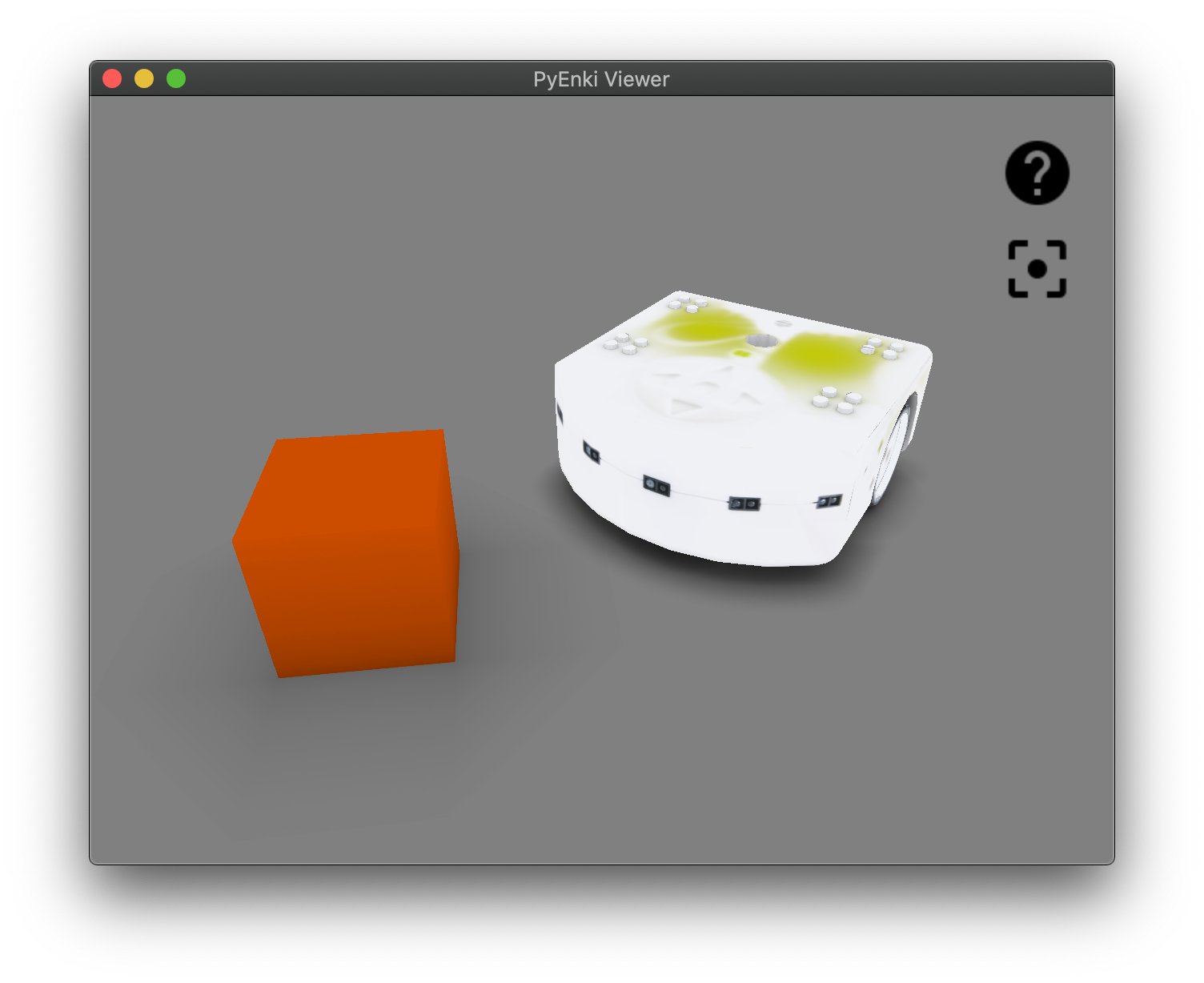
>>> thymio = pyenki.Thymio2()
>>> world.add_object(thymio)
>>> thymio.position = (14.1, 7.2)
>>> thymio.angle = 4.0
>>> # Spin the robot on itself
>>> thymio.left_wheel_target_speed = 10.2
>>> thymio.right_wheel_target_speed = -10.2
>>> # Switch the top LED yellow
>>> thymio.set_led_top(0.5, 0.5, 0.0)
>>> obj = pyenki.PhysicalObject(
        lx=5.0, ly=5.0, height=5.0, mass=-1,
        color=pyenki.Color(0.8, 0.3, 0))
>>> world.add_object(obj)
>>> world.step(0.1)
>>> thymio.prox_values
array([   0.        ,    0., ...
Objects#
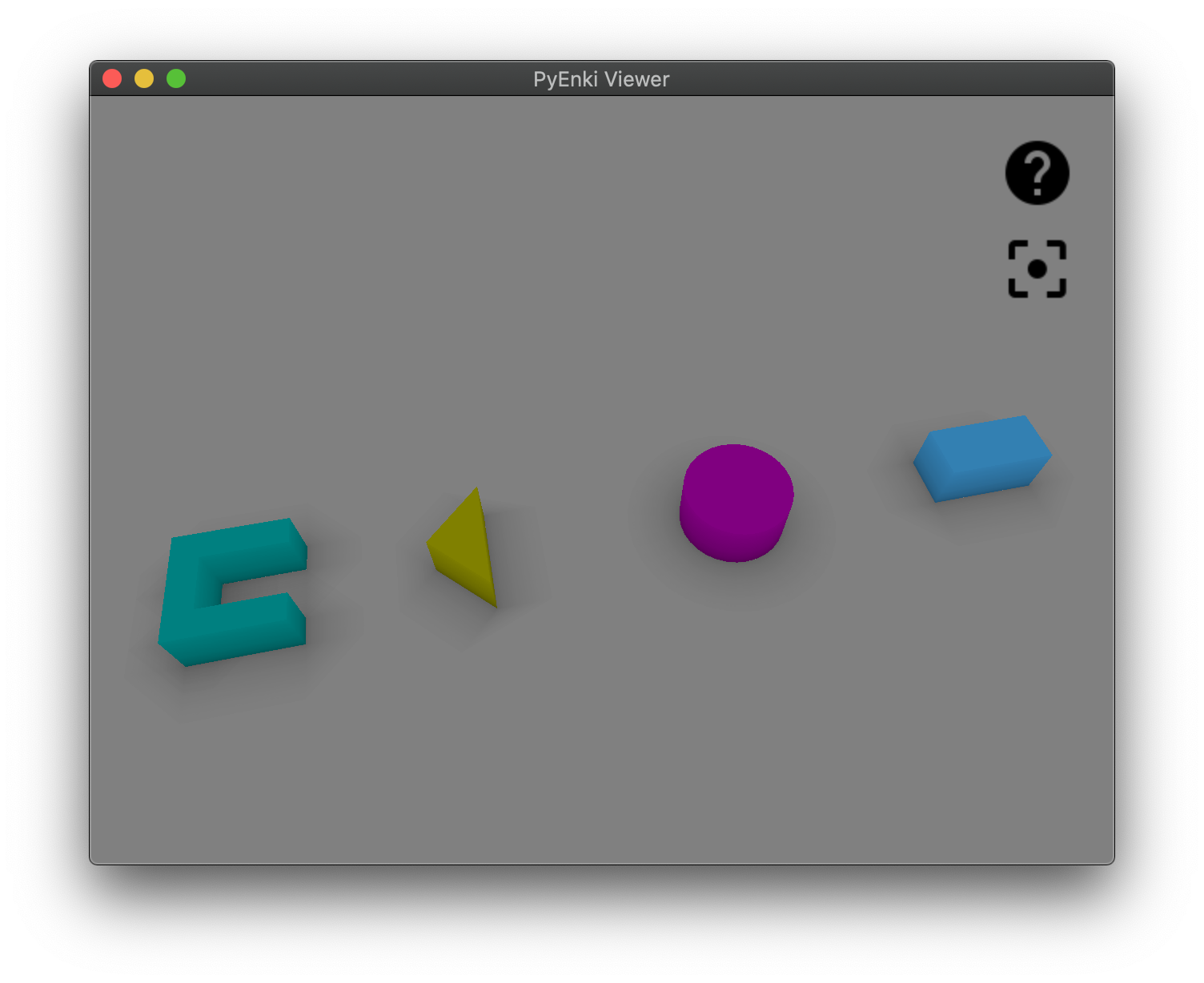
import pyenki

world = pyenki.World()

parts = [
    pyenki.PhysicalObject.Part(
    shape=[(0, 1), (0, 0.5), (2, 0.5), (2, 1)],
    height=1.0),
    pyenki.PhysicalObject.Part(
    shape=[(0, -0.5), (0, -1), (2, -1), (2, -0.5)],
    height=1.0),
    pyenki.PhysicalObject.Part(
    shape=[(0, 0.5), (0, -0.5), (0.5, -0.5), (0.5, 0.5)],
    height=1.0),
]
c = pyenki.PhysicalObject(parts, mass=-1, color=pyenki.Color(0, 0.5, 0.5))
world.add_object(c)

triangle = pyenki.PhysicalObject(
    shape=[(0.0, 0.0), (1.0, -1.0), (1.0, 1.0)],
    height=1, mass=-1, color=pyenki.Color(0.5, 0.5, 0.0))
triangle.position = (5, 0)
world.add_object(triangle)

cylinder = pyenki.PhysicalObject(radius=1.0,
                 height=1.0,
                 mass = -1,
                 color = pyenki.Color(0.5, 0.0, 0.5))
cylinder.position = (10, 0)
world.add_object(cylinder)

box = pyenki.PhysicalObject(lx = 2.0, ly = 1.0, height = 1.0, mass = -1,
                color = pyenki.Color(0.2, 0.5, 0.7))
box.position = (15, 0)
world.add_object(box)

box_shape = [(0.0, 0.0), (1.0, 0.0), (1.0, 1.0), (0.0, 1.0)]
box_colors = [
    [pyenki.Color.red],
    [pyenki.Color(0.5, 0.5, 0.0)],
    [pyenki.Color.green],
    [pyenki.Color(0.0, 0.5, 0.5)]]

colorful_box = pyenki.PhysicalObject(
    shape = box_shape, height = 1, mass = -1,
    textures = box_colors)
colorful_box.position = (20, 0)
world.add_object(colorful_box)